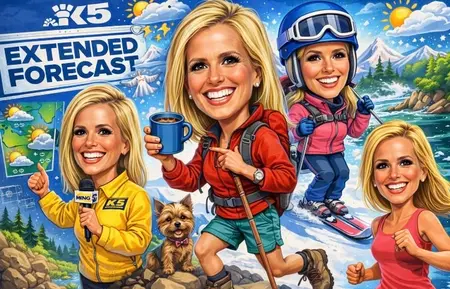
ChatGPT Caricature Prompt Guide: Create Your Viral AI Alter Ego
Learn how to use the ChatGPT caricature prompt to create hilarious, personalized AI art. Discover how ChatGPT memory feature makes these caricatures viral.
Introduction
Have you seen those hilariously accurate, often biting, and stylistically distinct cartoons of your friends on social media lately? No, they didn't hire a professional artist. They are using the viral ChatGPT caricature prompt trend.
Unlike a standard photo filter, this trend uses the advanced "Memory" capabilities of OpenAI's Chatgpt to create a digital portrait that doesn't just look like you—it knows you. In this guide, we'll dive into how it works and give you the exact prompts to try it yourself.
What is the ChatGPT Caricature Prompt Trend?
The ChatGPT caricature prompt is a viral phenomenon where users ask ChatGPT to generate a caricature based on their physical appearance and, crucially, their previous interactions with the AI.
As reported by Mashable, this isn't just about DALL-E 3's artistic skills. It's about the "roast" factor. Because ChatGPT can remember your job, your hobbies, your late-night existential crises, and your favorite coffee order, the resulting caricature often features "Easter eggs" from your life that make the image feel eerily personal.
The Science Behind ChatGPT Caricature Prompt and AI Memory
The secret sauce of a successful ChatGPT caricature prompt is the Memory Feature. When you've used ChatGPT for a while, it builds a profile of your "digital persona."
When you trigger the prompt, the AI synthesizes:
- Visual Data: From a photo you upload.
- Contextual Data: From its memory (e.g., "User is a stressed software engineer who loves sourdough baking").
- Exaggeration: The classic caricature style that emphasizes your most defining traits.
This synergy allows the AI to place you in a setting that reflects your real life, making the ChatGPT caricature prompt much more engaging than a generic AI avatar.
Best ChatGPT Caricature Prompt Templates for 2026
Ready to see yourself through the eyes of AI? Copy and paste these templates to get the best results.
The "Deep Dive" Roast (Best for long-term users)
Prompt: "Based on everything you remember about me—my career, my habits, my personality, and my frequent complaints—create a humorous caricature of me. Use the photo I've uploaded for my physical likeness, but exaggerate my traits to tell a story about who I am. Make it funny and slightly satirical."
The "Professional Persona" Prompt
Prompt: "Generate a ChatGPT caricature prompt for an image that shows me in my natural habitat at work. Incorporate my hobbies that we've discussed in the past. The style should be vibrant, like a New Yorker magazine cartoon."
The "Minimalist" Prompt (If you have Memory turned off)
Prompt: "I am a [Job Title] who loves [Hobby]. Here is my photo. Create a caricature that highlights these two things in a Pixar-inspired 3D art style."
Step-by-Step Setup for ChatGPT Caricature Prompt Success
To get that viral-worthy result, you need to ensure your settings are optimized. Follow these steps:
- Enable Memory: Go to Settings > Personalization and toggle Memory ON.
- Prime the AI: If you're a new user, chat with it for a bit about your life first, or say: "Here are 5 things to remember about me for my caricature..."
- Upload a High-Quality Image: Use a clear headshot with a neutral background so DALL-E 3 can capture your features.
- Execute the ChatGPT Caricature Prompt: Use one of the templates provided above.
Troubleshooting Your ChatGPT Caricature Prompt Results
Sometimes the AI gets it wrong. If your ChatGPT caricature prompt produces an image that doesn't look like you or misses the mark on your personality, try these fixes:
- Ask for a "Reset": Say, "What do you actually remember about me?" If the memory is cluttered with irrelevant info, delete the old memories and try again.
- Adjust the "Roast" Level: If it's too mean (or too nice), specify: "Make it 20% more professional and 10% less chaotic."
- Style Specificity: Use keywords like "watercolor," "vector art," or "hand-drawn charcoal" to change the aesthetic.
Final Thoughts on the ChatGPT Caricature Prompt Trend
The ChatGPT caricature prompt isn't just a fun way to get a new profile picture; it's a fascinating look at how AI perceives our human complexities. It proves that AI is moving away from being a static tool and toward becoming a "partner" that recognizes our unique identities.
Give it a try today, and don't forget to share your AI-generated alter ego with the world!
Author

More Posts
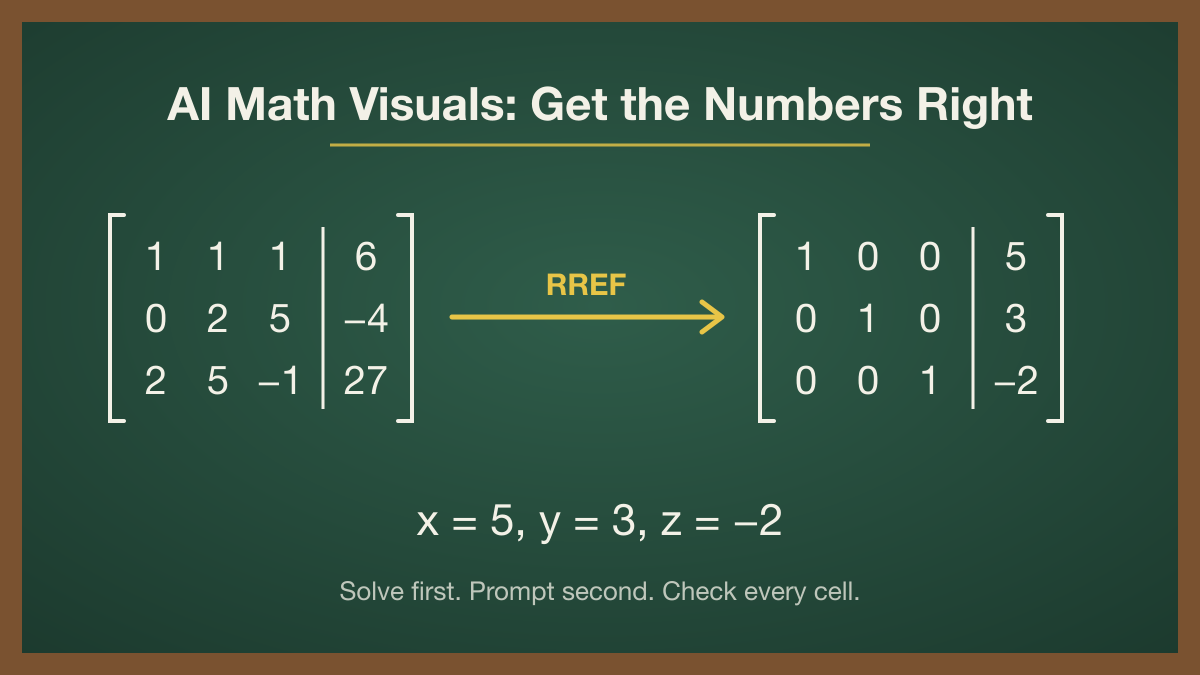
How to Make AI Math Visuals That Get the Numbers Right: A Matrix Prompt Guide
AI image models draw beautiful chalkboards full of wrong math. Learn a solve-first workflow, number-picking rules, and copy-paste prompts for accurate matrix flashcards, worksheets, and social posts.
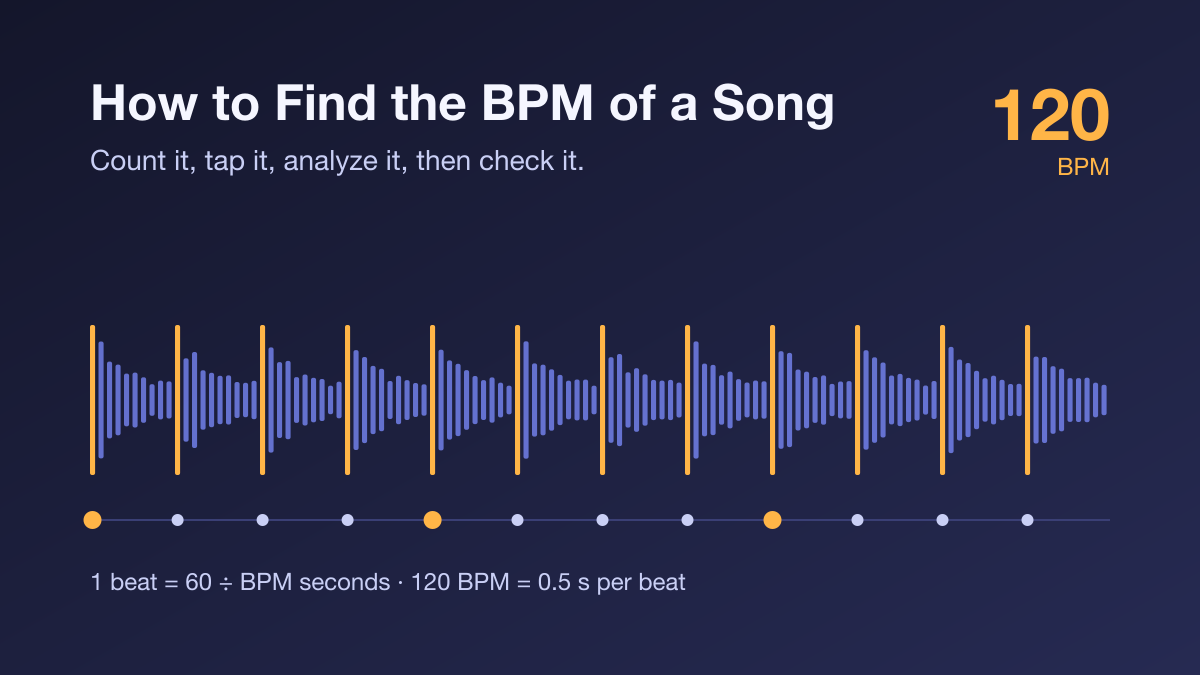
How to Find the BPM of a Song (and Make Sure It's Right)
Learn three ways to find a song's BPM, how to avoid the half-time and double-time trap, how to check tempo with a metronome, and how DJs, producers and video editors put the number to work.
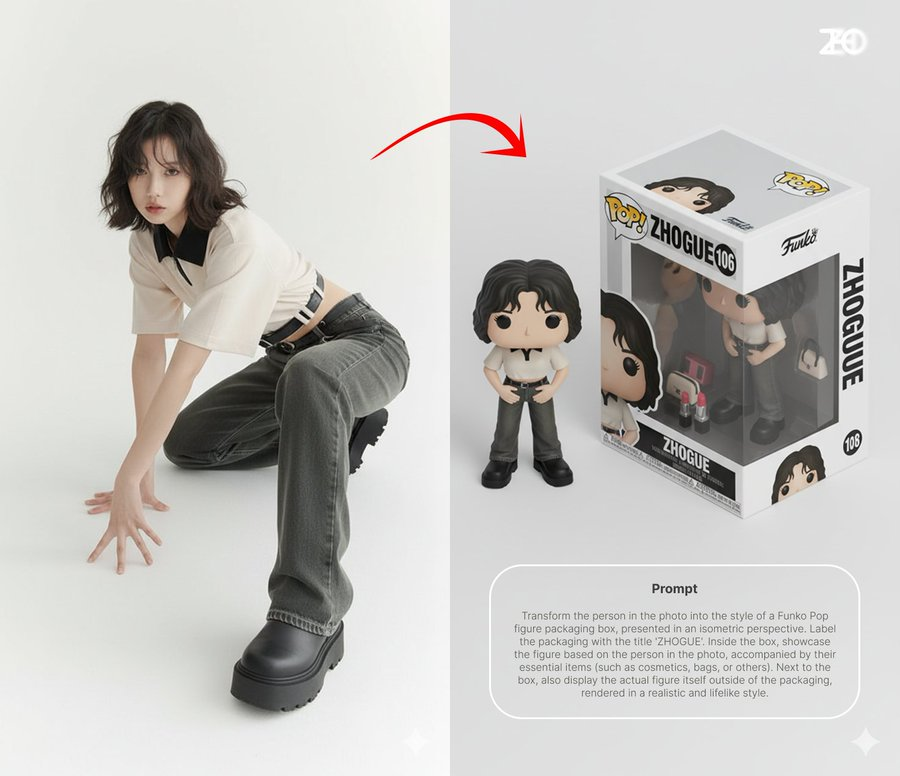
The Viral ChatGPT Caricature Prompt: How to Roast Yourself Professionally
Looking for the viral ChatGPT caricature prompt? Get 30+ copy-paste prompts for every job (Tech, Medical, Corporate). Master the 3D Pixar, Cyberpunk, and Editorial styles instantly.