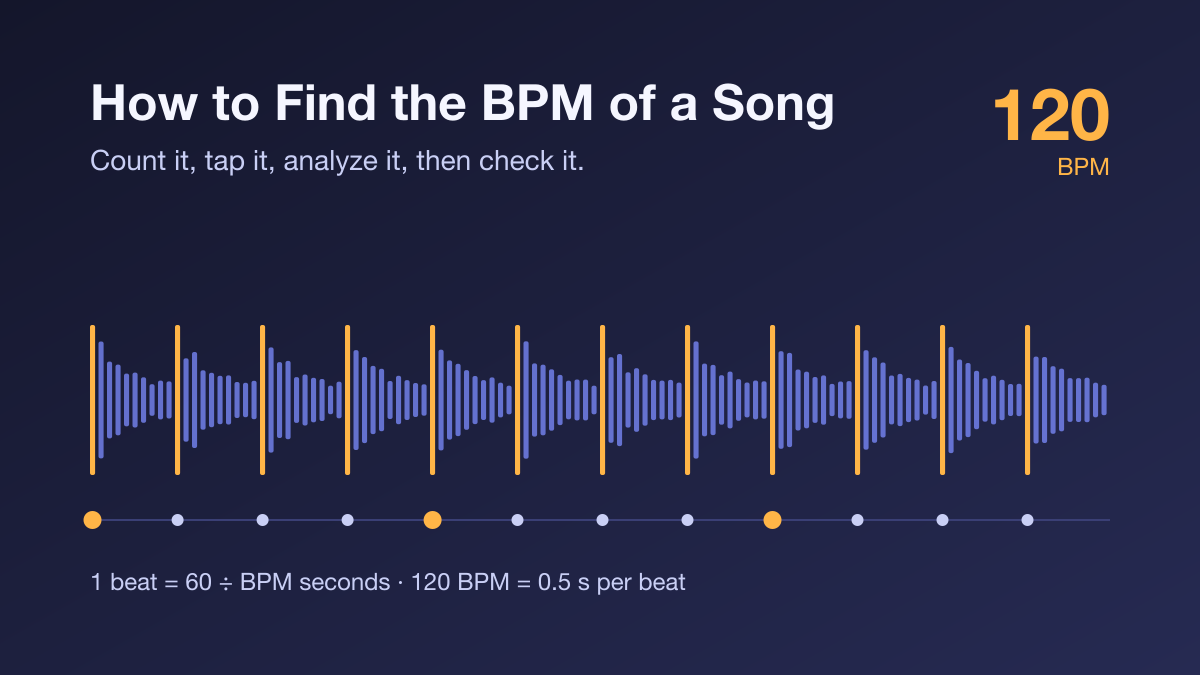
How to Find the BPM of a Song (and Make Sure It's Right)
Learn three ways to find a song's BPM, how to avoid the half-time and double-time trap, how to check tempo with a metronome, and how DJs, producers and video editors put the number to work.
Getting a number is the easy part. Whether you're beatmatching a DJ set, setting a metronome or timing video cuts, the hard part is knowing whether that number matches the beat you actually hear. A BPM finder can give you a tempo in seconds. This guide covers what that number means, three ways to get it, and how to catch the mistakes that trip people up most often.
What BPM Actually Measures
BPM means beats per minute: how fast the musical pulse moves. At 60 BPM there's one beat per second, and at 120 BPM there are two. BPM is about speed, not loudness or intensity. A quiet acoustic ballad can be faster than a heavy metal track.
The tricky word is "beat." Most songs have several pulses stacked on top of each other: kick drums, hi-hats, chord changes. Which one counts as "the beat" is partly a matter of how you listen, and that's where most BPM confusion starts.
Three Ways to Find a Song's BPM
1. Count It Yourself
Start a timer, count the beats for 15 seconds, and multiply by 4. It costs nothing and trains your ear, but it's less precise than it looks. If you're off by just one beat, the result is off by 4 BPM. If you count for only 6 seconds and multiply by 10, one missed beat costs you 10 BPM. Count for 30 seconds and multiply by 2, and the error drops to about 2 BPM.
2. Tap Along
Tap tempo tools, including the tap button in most DJ apps and DAWs, average the time between your taps. Tap for at least 8 to 16 beats, because the first few taps are almost always uneven. Tapping works well for songs you can only hear, like something on the radio or a live band, but your result is only as steady as your hand.
3. Analyze the Audio File
An analyzer reads the waveform and estimates the beat rate from the sound itself, rather than looking the song up in a database. That matters if you're working with a specific remix, an edit, a live recording or your own unreleased track. A database entry for the original won't match those versions.
FindBPM works this way. You drop in an MP3, WAV, FLAC or M4A file, the analysis runs in your browser, and the audio never leaves your device. Along with BPM, you get the musical key, its Camelot code, and energy, danceability and happiness scores.
Whichever method you use, the next two sections are where you confirm the result.
The Half-Time and Double-Time Trap
Here's the most common question about any BPM tool: "Why does it say 90 when another tool says 180?"
Usually both answers are describing the same song. One counts every kick drum, and the other counts the pulse twice as fast, often following the hi-hats. Neither is wrong; they're counting different layers of the same rhythm. The question is which one you need.
Genre conventions help. These are rough ranges, not rules:
| Style | Typical BPM | Often felt as |
|---|---|---|
| Hip-hop | 85–100 | — |
| House | 120–130 | — |
| Techno | 125–140 | — |
| Dubstep | ~140 | 70 (half-time) |
| Drum & bass | 160–180 | 80–90 (half-time) |
Three quick ways to pick the right reading:
- Clap along. The pace you'd naturally nod or clap to is usually the right one.
- Use the snare as a cross-check. In a typical 4/4 backbeat, the snare lands on beats 2 and 4, so one snare hit every two counted beats is normal. If you count twice as fast over that same pattern, the snare hits will be four of your counted beats apart. This is only a clue: half-time grooves and other drum patterns need a metronome check and a listen to the whole rhythm.
- Match your purpose. A DJ mixing drum & bass needs 174, not 87. A dance teacher counting steps might want the slower pulse.
In FindBPM, the ÷2 and 2× buttons switch the displayed number without changing the audio, so you can pick the reading that fits.
When One Number Isn't Enough
A single BPM value assumes the tempo holds steady. Many recordings don't:
- Live recordings drift. A band without a click track might start at 118 and end at 124. An analyzer returns one estimate for the whole file.
- Some songs change tempo on purpose. Think of a slow intro, a breakdown, or a ballad that pushes and pulls the time (rubato).
- Swing and triplet feels can make a simple count feel off, even when the tempo itself is steady.
The fix is a quick check. Set a metronome to the BPM, play it over the song at the start, the middle and near the end, and listen for 20 to 30 seconds each time. If the clicks stay locked to the beat, the number is good. If they slowly slide ahead or fall behind, the track either drifts or the estimate is a little off. Nudge it by 1 BPM and listen again.
Putting the Number to Work
For DJs
To find how much you need to speed up or slow down a track, divide the target BPM by the current BPM and subtract 1. Going from 124 to 128 BPM is (128 ÷ 124) − 1 ≈ +3.2%, which fits easily within the common ±8% pitch range on a turntable or controller.
Watch the key, though. Without key lock, speeding a track up also raises its pitch, and about a 6% speed change shifts it by a full semitone. That +3.2% raises the pitch by roughly half a semitone, which is enough to make a harmonic mix sound off. This is where the key result and Camelot code come in. Tracks with the same Camelot number, a number one step away, or the A/B pair with the same number (for example, 8A for A minor and 8B for C major) usually blend well. Still, let your ears make the final call.
For Producers
Analyze a sample or reference track before you build around it. Set the project tempo to match, and you'll avoid heavy time-stretching that smears transients.
For Video Editors
One beat lasts 60 ÷ BPM seconds. At 120 BPM, a beat is 0.5 seconds, a bar of 4/4 is 2 seconds, and at 24 fps a beat is exactly 12 frames. Knowing that before you start cutting makes it much easier to land edits on the beat.
For Fitness and Dance
Use BPM to sort tracks into warm-up, main block and cool-down. A treadmill or dance routine feels very different at 128 than at 150, even if both songs are "upbeat."
A Quick Checklist
- Analyze the exact version you'll use, not just a version with the same title.
- Clap along and decide whether you need the half-time or double-time reading.
- Check the number against a metronome at the start, middle and end of the track.
- For mixing, check the key and Camelot code along with the BPM.
- Trust your ears over any tool, including FindBPM.
Author

More Posts

ChatGPT Caricature Prompt Guide: Create Your Viral AI Alter Ego
Learn how to use the ChatGPT caricature prompt to create hilarious, personalized AI art. Discover how ChatGPT memory feature makes these caricatures viral.

Discover 6 Powerful AI Prompt Styles: From Dramatic Portraits to Surreal Art
Unlock the potential of AI image generation with six distinctive prompt styles - from timeless black and white photography to surreal marble sculptures, vintage grunge aesthetics to cinematic neon-lit scenes. Learn how to transform your photos into professional-quality art.
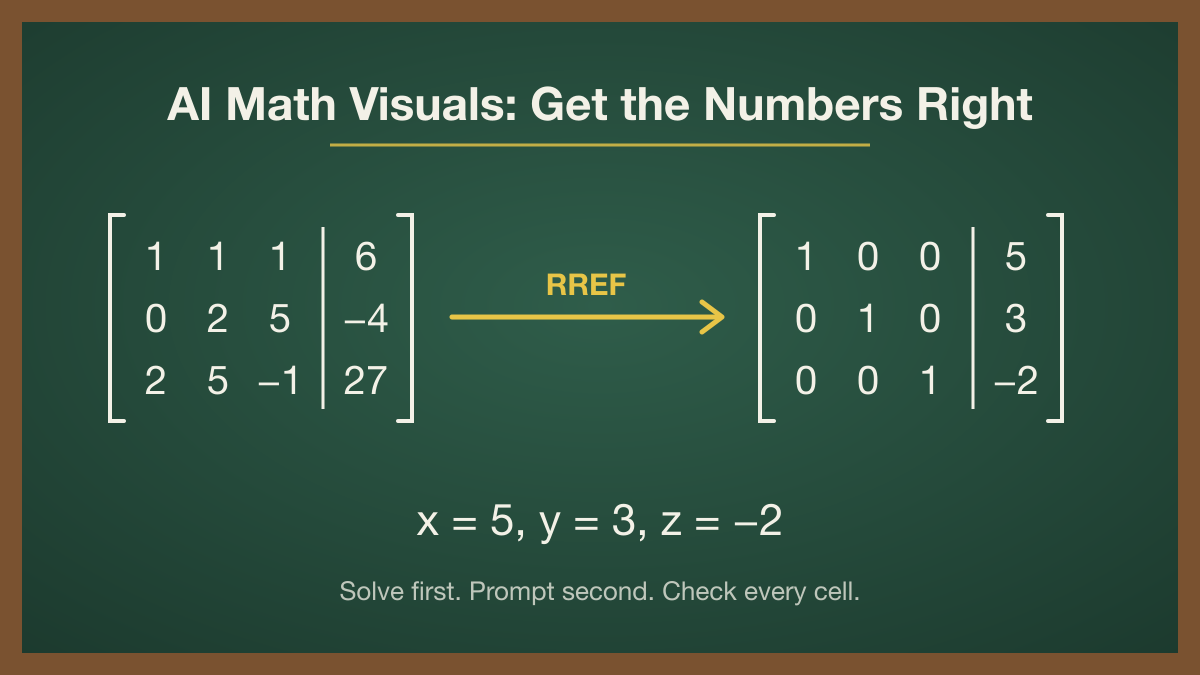
How to Make AI Math Visuals That Get the Numbers Right: A Matrix Prompt Guide
AI image models draw beautiful chalkboards full of wrong math. Learn a solve-first workflow, number-picking rules, and copy-paste prompts for accurate matrix flashcards, worksheets, and social posts.